Web app · installable · works offline

Turn reading into a habit you can see.

Track every session, watch your streak grow, save the lines that matter, and get a personal AI reading coach — all in one calm, beautiful app that works offline.

✓ Full CRUD library ✓ Streaks & insights ✓ Quotes & goals ✓ English + مصري
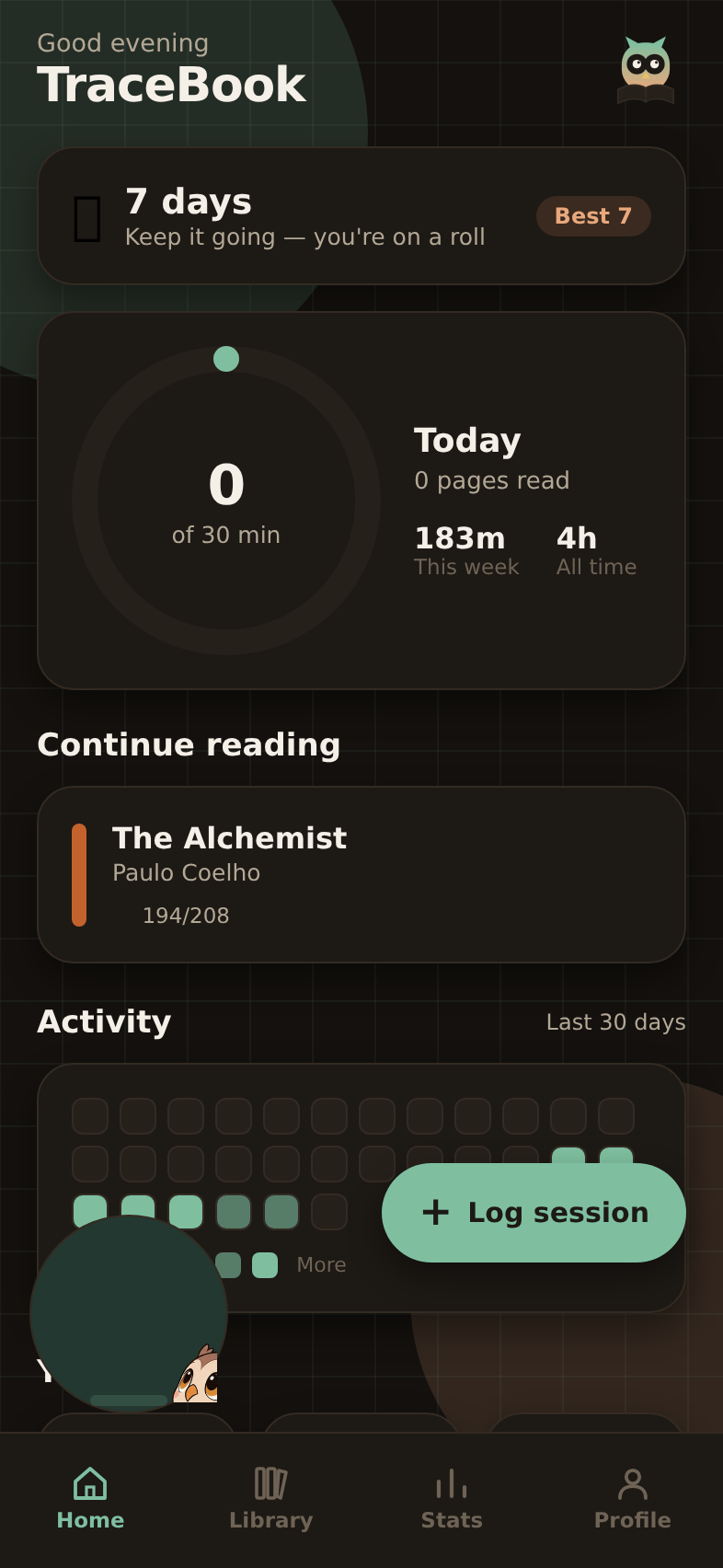
TraceBook home screen with streak and daily goal
Everything, included

Built to make the habit stick

No stripped-down demo. TraceBook ships the whole loop — capture, track, reflect, and get coached.

📚

Library with full CRUD

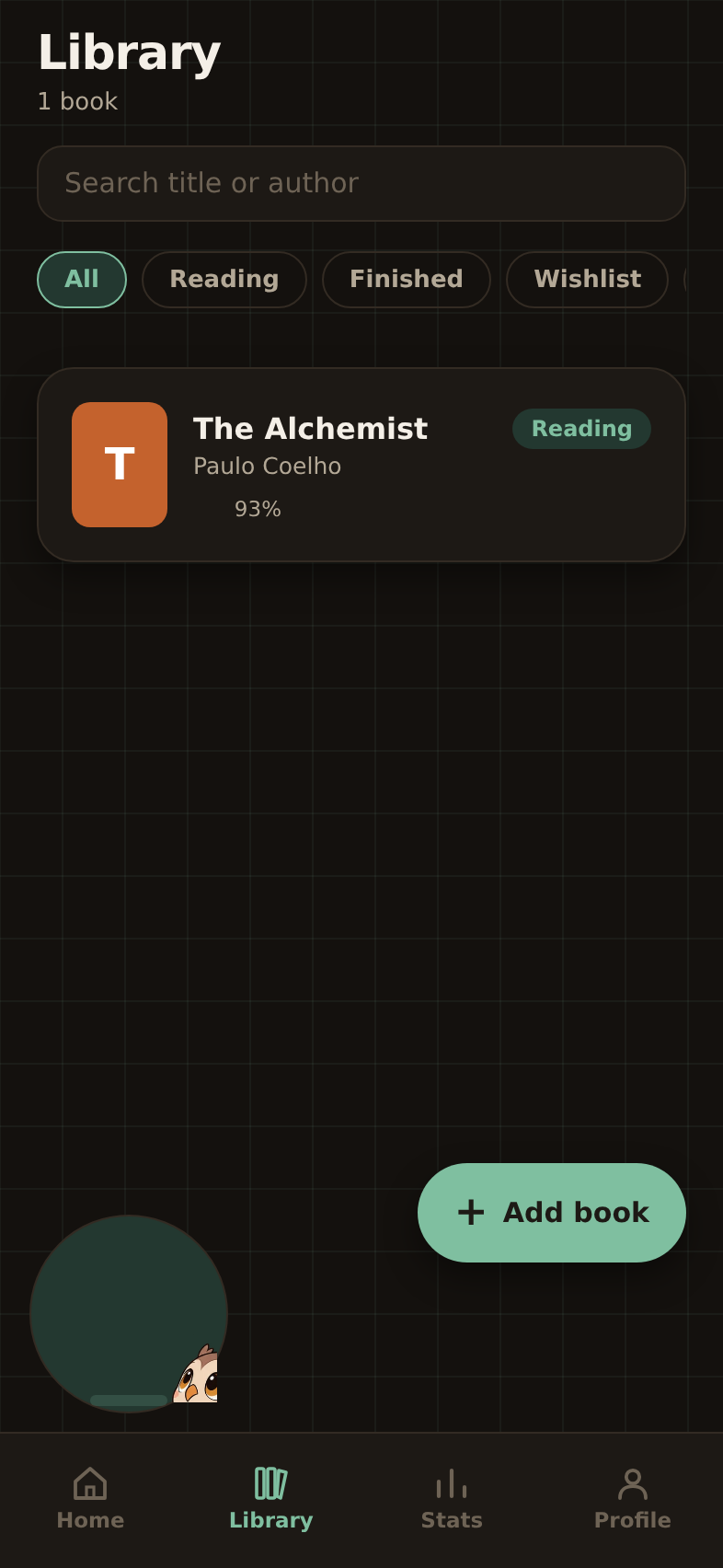
Add, edit, finish, pause or delete books. Search and filter across reading, finished, wishlist and paused.

🔥

Streaks that keep you honest

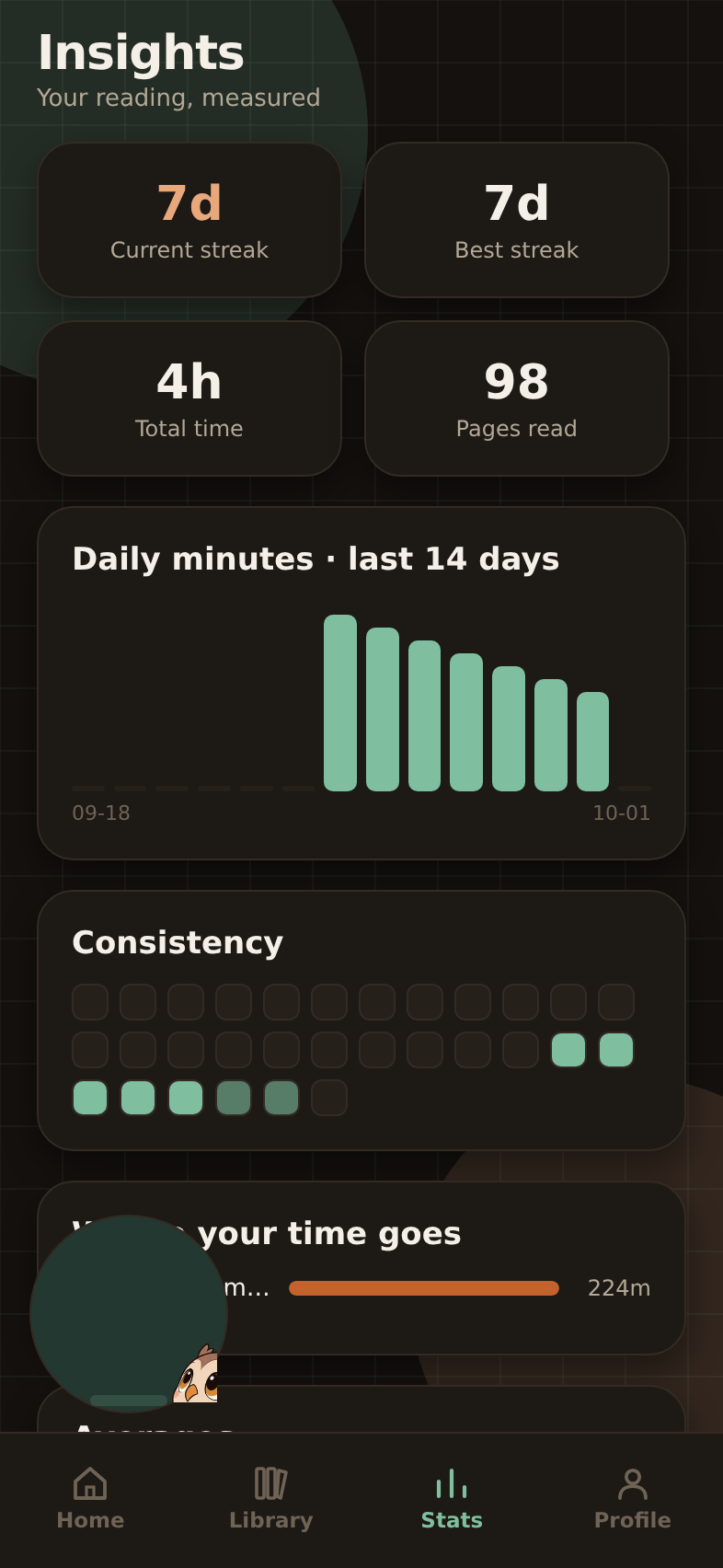
Daily and best streaks, a 30-day heatmap and a consistency ring so progress is impossible to ignore.

📈

Insights & stats

Minutes, pages, averages, weekly totals and a per-book breakdown of where your reading time actually goes.

⏱️

Session logging

Log with a built-in timer or enter it manually. Attach pages read, a book and a note in seconds.

💬

Hoot, your AI coach

Ask for a two-week plan, a way back from a missed week, or what to read next — grounded in your own stats.

🎯

Quotes & goals

Save lines you love, set a daily minutes target, and choose dark, light or system appearance.
A look inside

Designed, not templated

Hand-built visuals, a gaze-tracking fox mascot (Fahm), and a layout that breathes on a phone.

Home Stats Library
Simple pricing

Free to start. Pro when it clicks.

Everything you need to build the habit is free forever. Pro removes the limits when reading becomes your thing.

Free

$0
  • 3 active books
  • 10 AI coach messages a day
  • 30 days of analytics
  • Streaks, quotes & goals
Open the web app
Most popular

Pro

$3.99/mo
  • Unlimited AI reading coach
  • Unlimited active books
  • Full-year analytics history
  • Weekly review archive + export
Start Pro
Install in seconds

Run it right in your browser

TraceBook is a progressive web app — installable, no store, and free to start. Open it, then add it to your home screen for a full-screen, offline experience.

1

Open the web app

Tap “Open the web app”. It loads instantly and works on phone, tablet and desktop.

2

Add to home screen

In the app, open Profile → Install app. On iPhone, use Share → Add to Home Screen.

3

Read anywhere

It opens full-screen, keeps working offline, and updates itself. Your data stays on your device.

Serverless backend · Supabase + Edge Functions AI coach · OpenRouter Installable PWA · offline-first